Well, finally I realized the power of my onboard graphics card … too lazy to realize even this (it took me a year to realize this obvious fact). I downloaded the latest nVidia drivers from here and also upgrade to the kernel-2.6.20-1.2944.fc6. You can get it from any site which provides rpms or you can install is using yum. Not to forget I did it on Fedora Core 6 – Zod. So, here goes the exact procedure.
Warning: Take a backup of your /etc/X11/xorg.conf file before experimenting with 3D desktop. It help in case of X server crashes.
1. Download the latest nVidia drivers from here.
2. Upgrade to kernel-2.6.20-1.2944.fc6
(a)Download rpms kernel-2.6.20-1.2944.fc6.i686.rpm and kernel-devel-2.6.20-1.2944.fc6.i686.rpm and install using
[root@zod saini] rpm -ivh kernel* [Enter] |
OR
(b)
[root@zod saini] yum install kernel-2.6.20-1.2944.fc6 [Enter] |
3. Reboot and switch to the newly installed kernel.
4. Login as root and delete the temp file for xserver
[root@zod saini] rm -f /tmp/.X0.lock [Enter] |
5. Install the nVidia drivers
[root@zod saini] bash NVIDIA-Linux-x86-1.0-9755-pkg1.run --kernel-source-path=/usr/src/kernels/2.6.20-1.2944.fc6-i686/ [Enter] |
A user interface(I don’t know what to call it, graphical user interface on command line) will appear, answer the basic questions and you are done.
6. run this command
[root@zod saini] nvidia-xconfig [Enter] |
7. Open your /etc/X11/xorg.conf file in you favourite(Vim) editor and edit it as follows …
Add these lines to the “screen” section
1 2 | Option "AddARGBGLXVisuals" "True" Option "DisableGLXRootClipping" "True" |
and Add this line to the “Device Section”
Option "TripleBuffer" "true" |
or you can use my xorg.conf with appropriate modifications.
8. Now install Beryl + emerald or compiz
(a) Get rpms from any site which supplies rpms for packages in fedora and install
[root@zod saini] rpm -ivh beryl-* emerald-* [Enter] |
OR
[root@zod saini] rpm -ivh compiz-* [Enter] |
(b) There is always a short cut
[root@zod saini] yum install beryl* emerald* [Enter] |
OR
[root@zod saini] yum install compiz* [Enter] |
9. Now logout and login again and run command beryl-manager or compiz and you are done with installing beryl/compiz with latest nVidia drivers. Enjoy the 3D desktop.
10. If in the above process your X-server crashes, press Ctrl-Alt-F1 and login as root, replace your existing /etc/X11/xorg.conf file with the backup you took in the beginning and do startx.
I installed the above packages on Fedora Core 6, the Hardware is Nvidia Ge Force 6100 onboard.
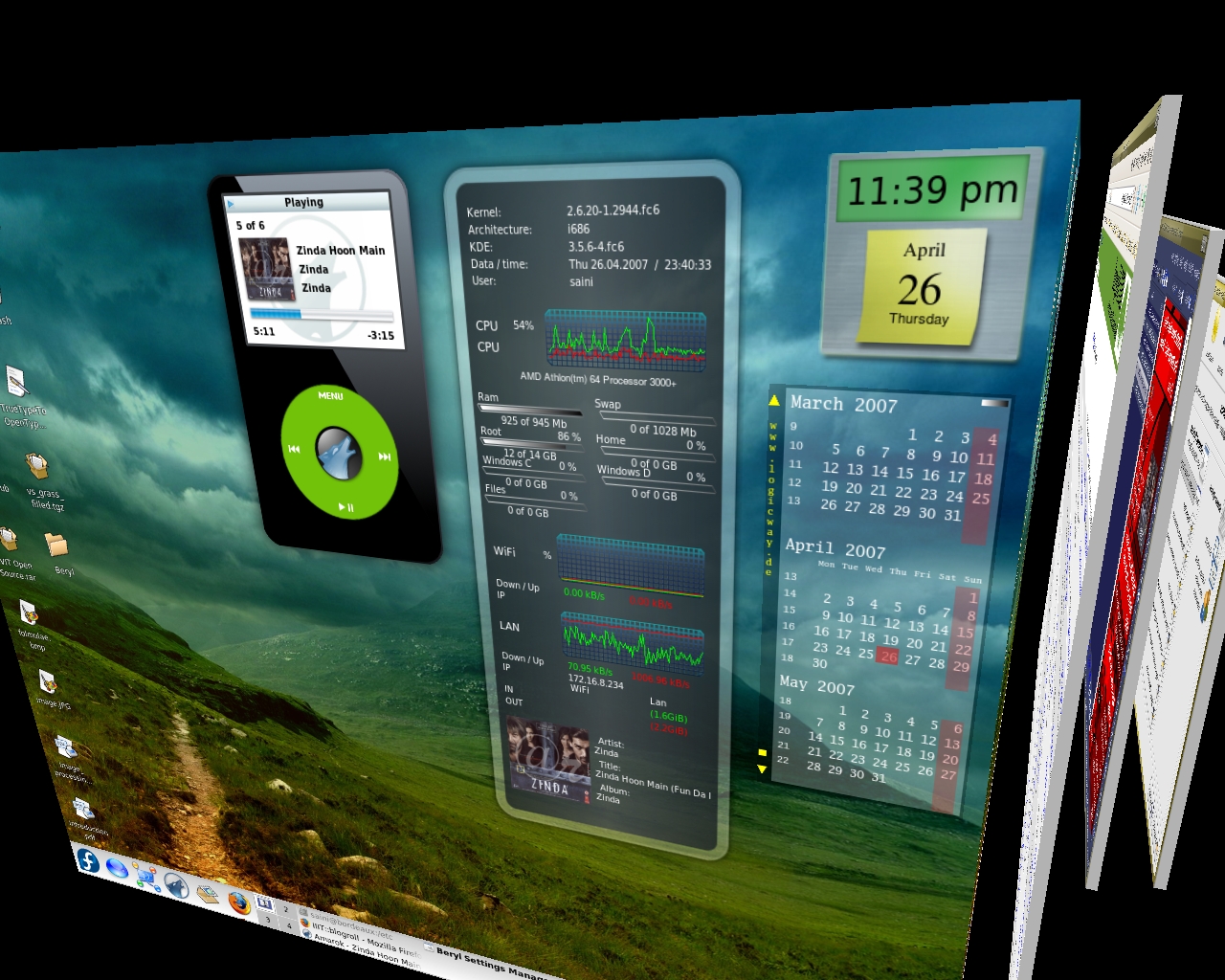
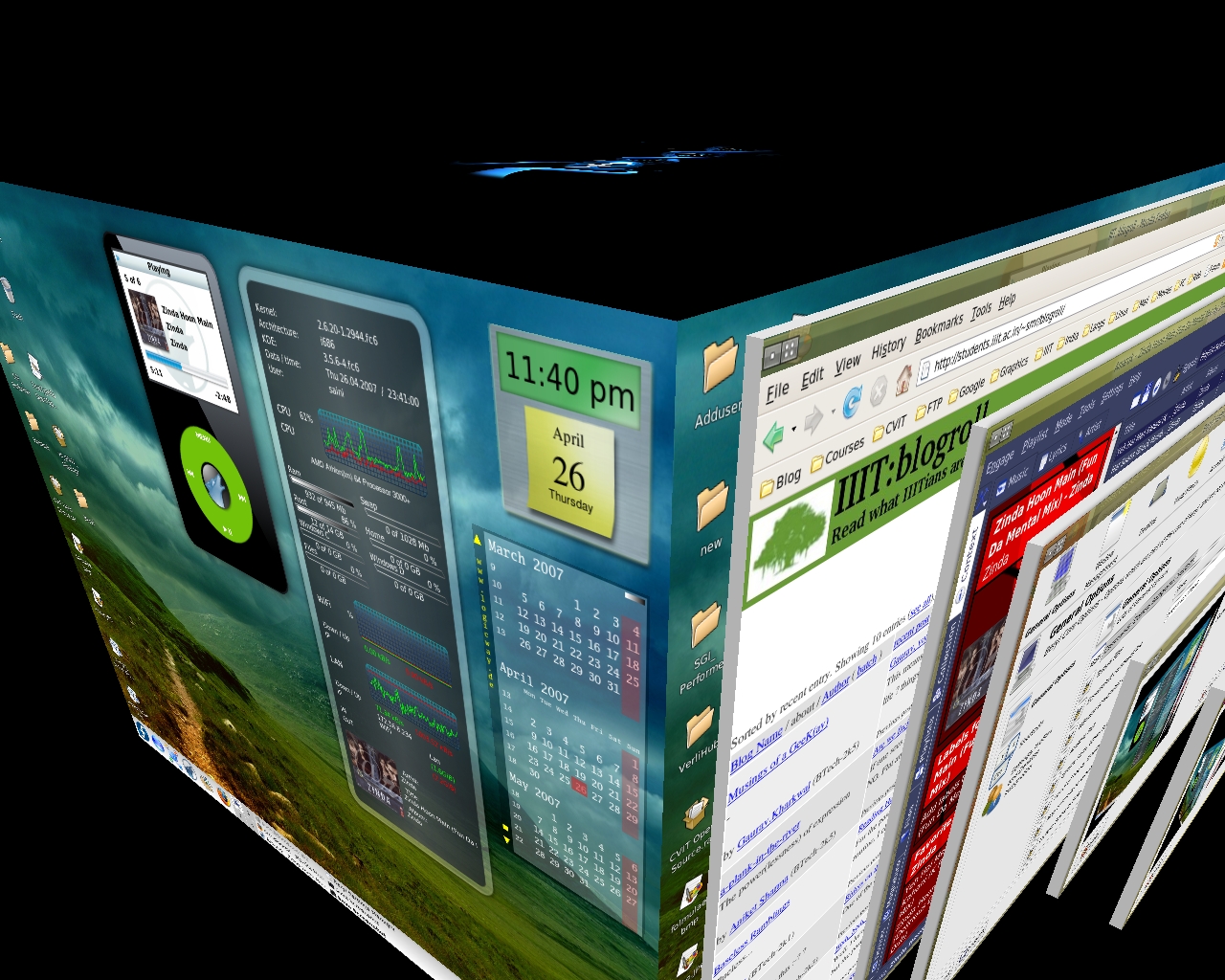
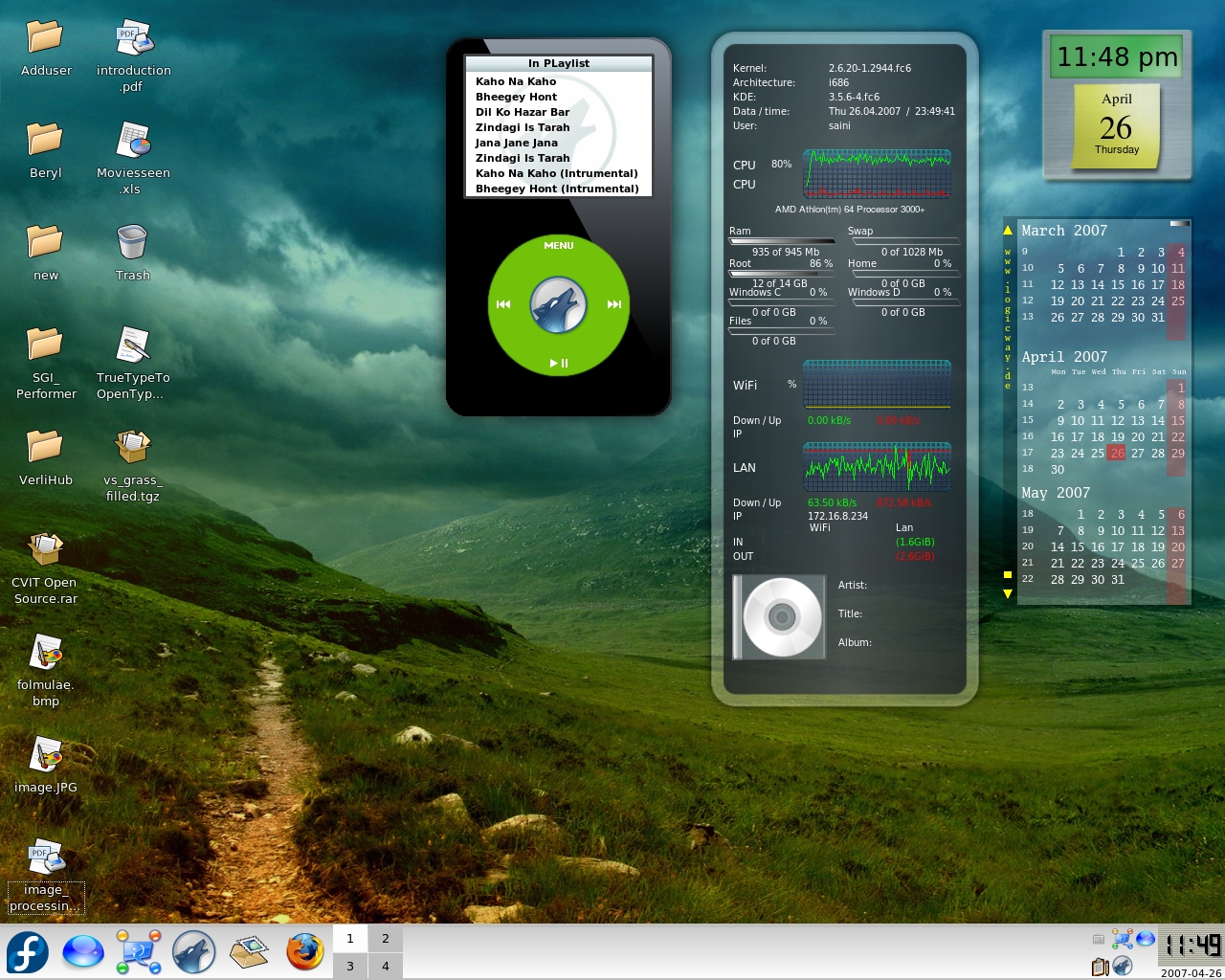
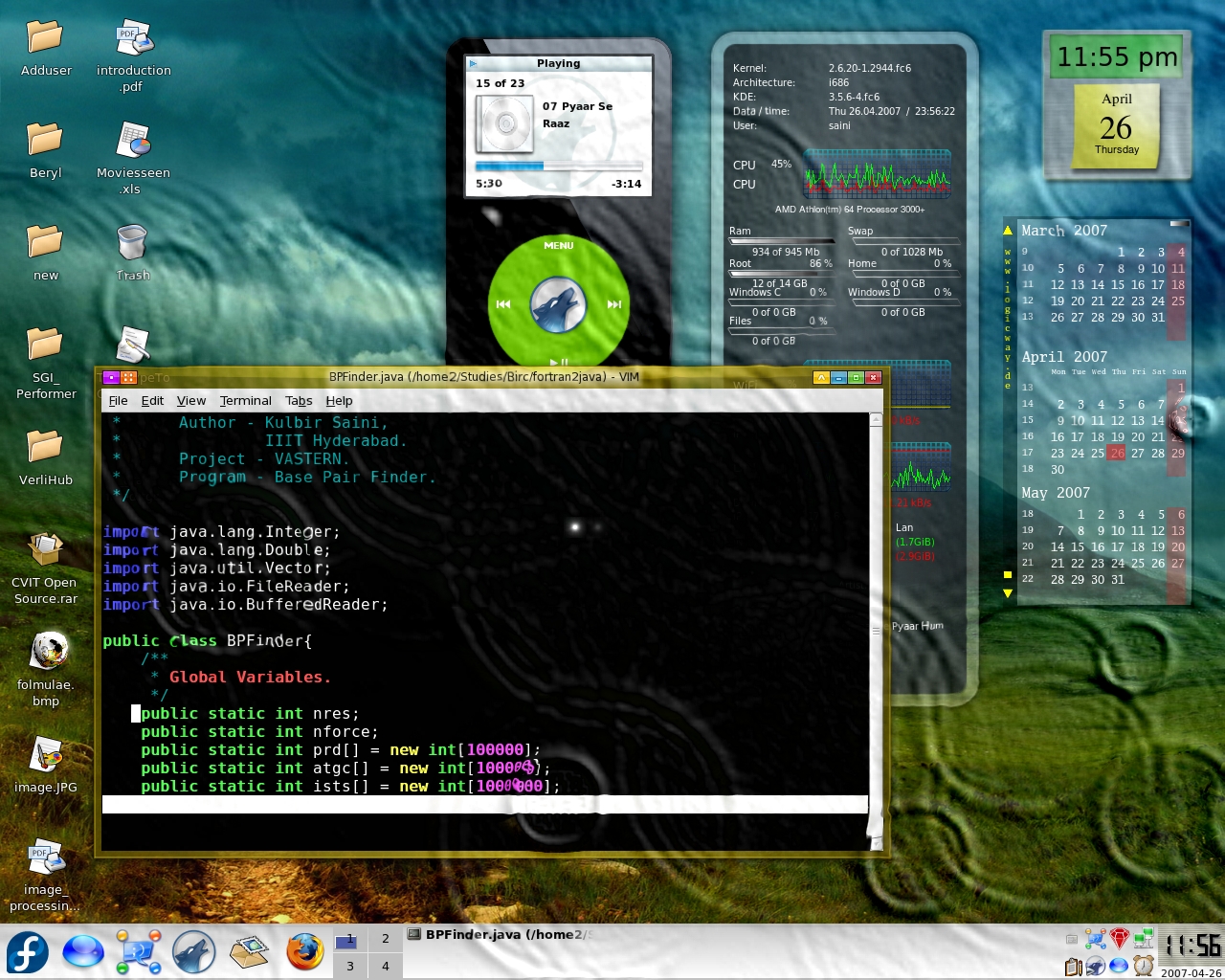
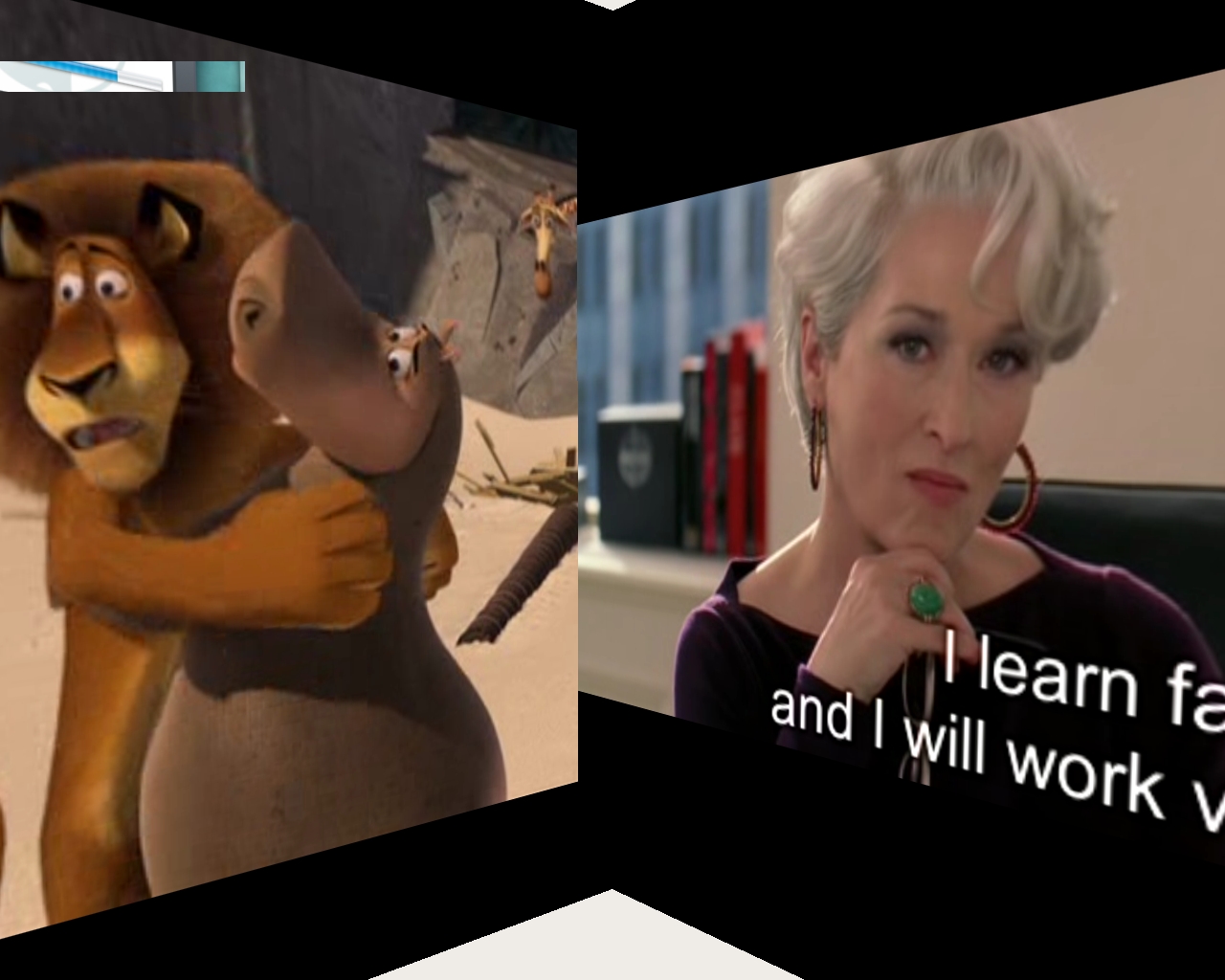
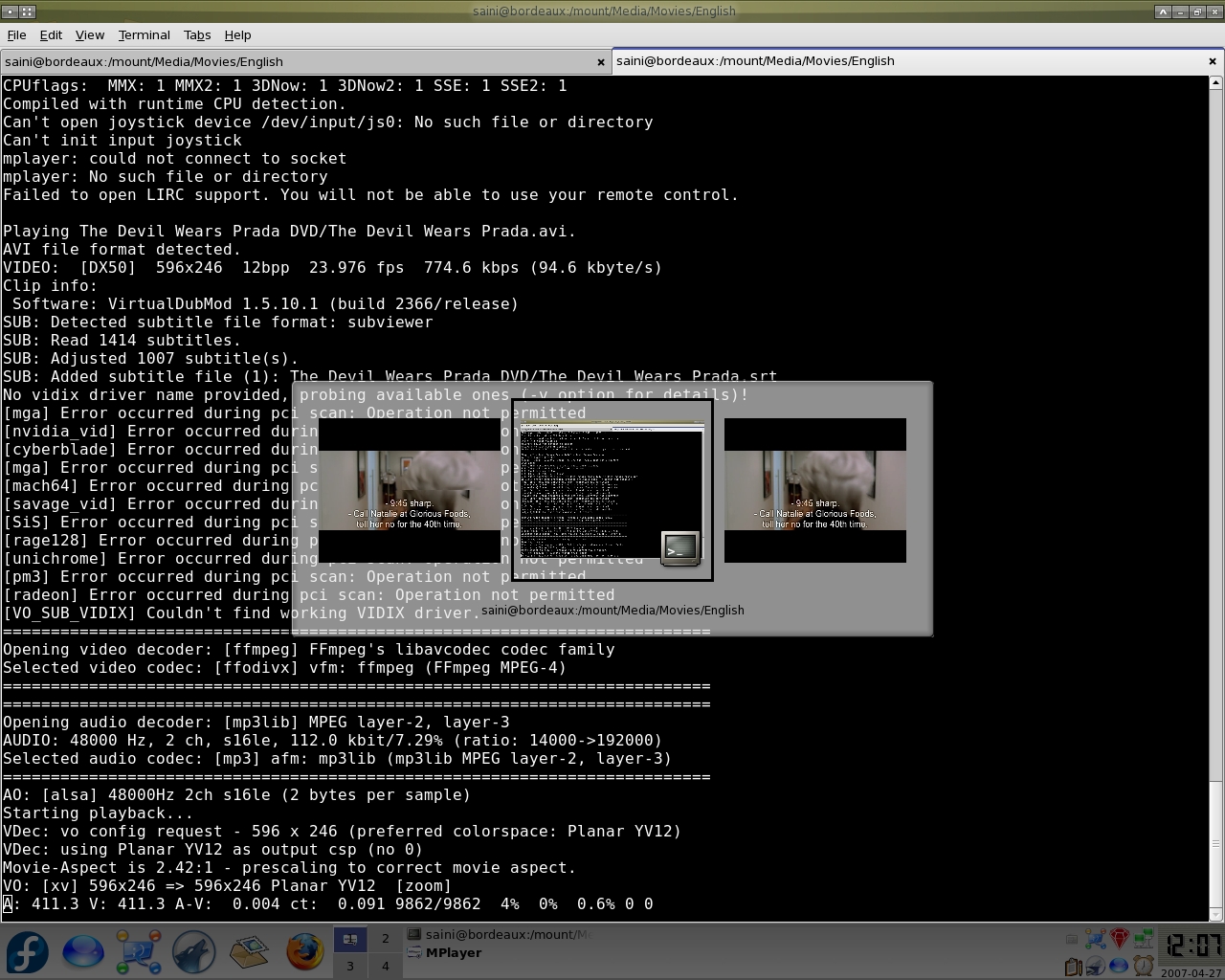
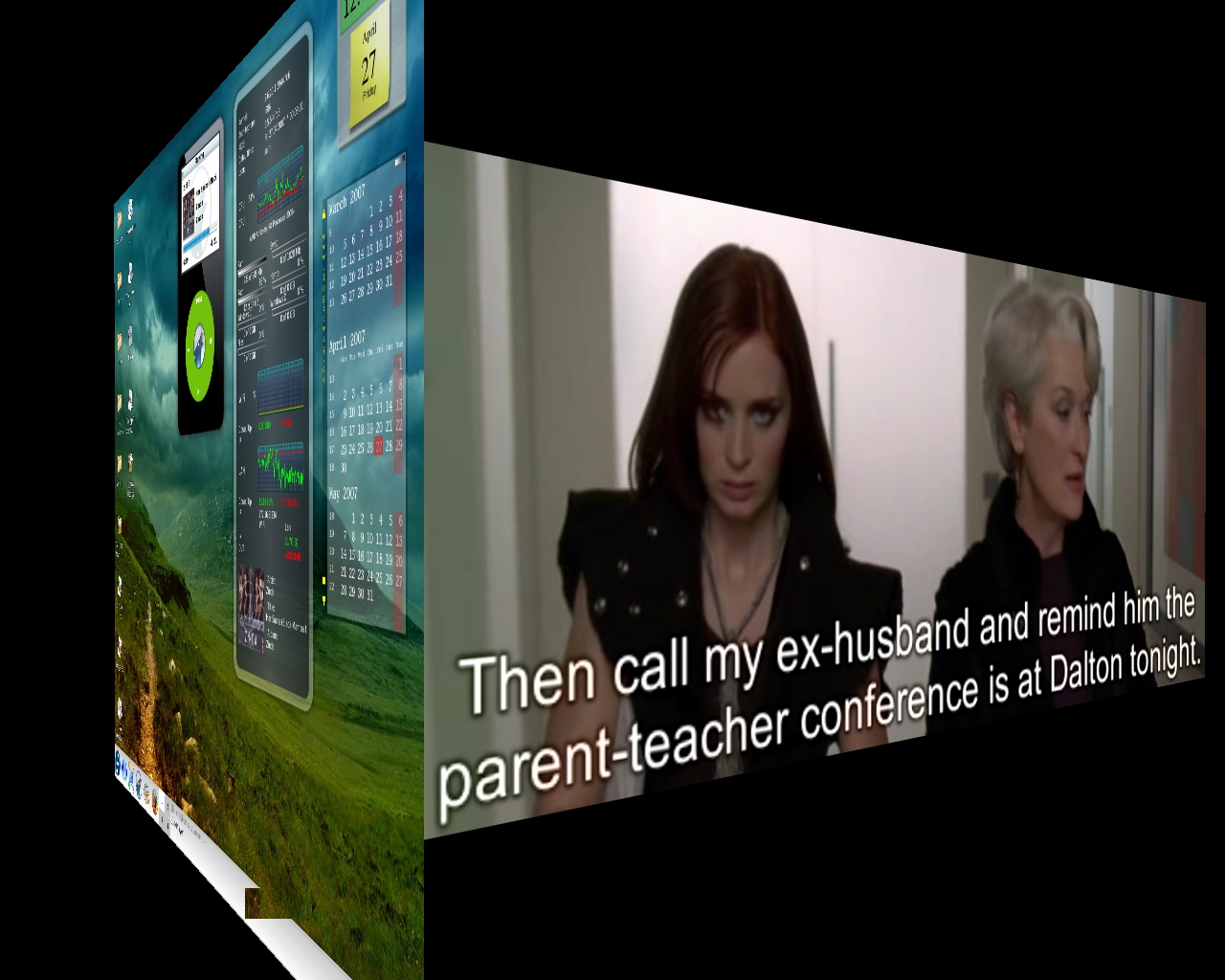
Here are some screenshot of my 3D Desktop ( They can also be seen here ).
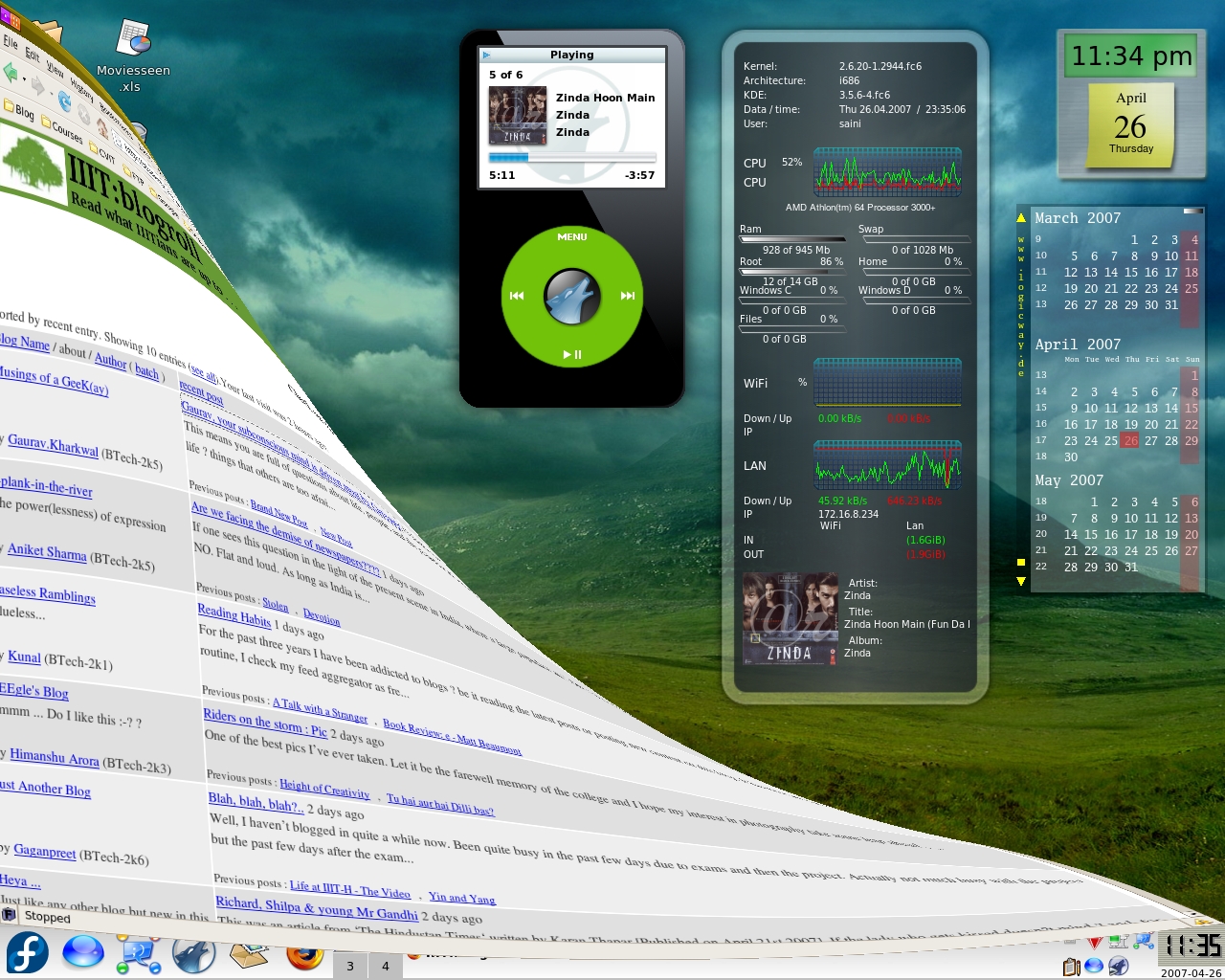
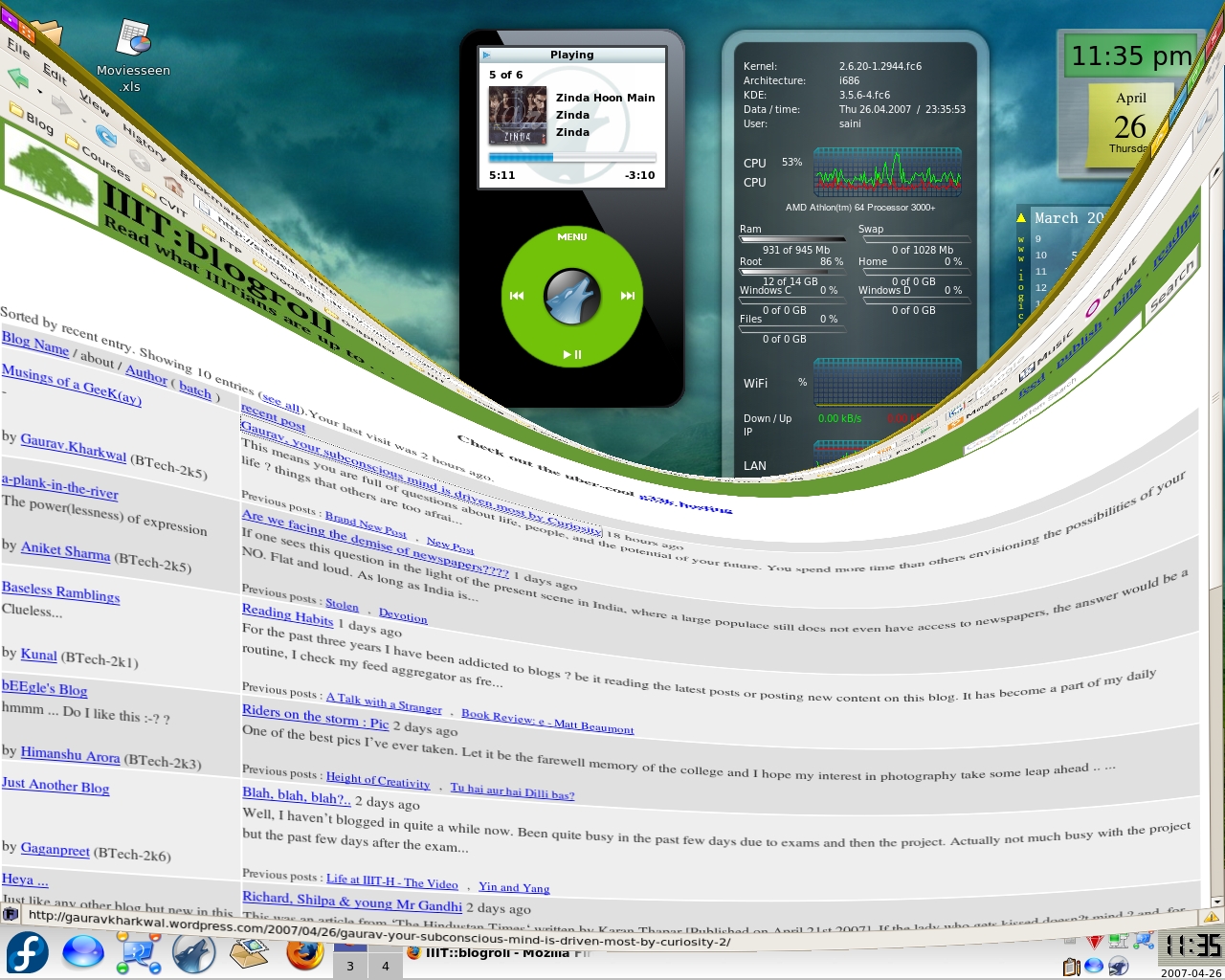
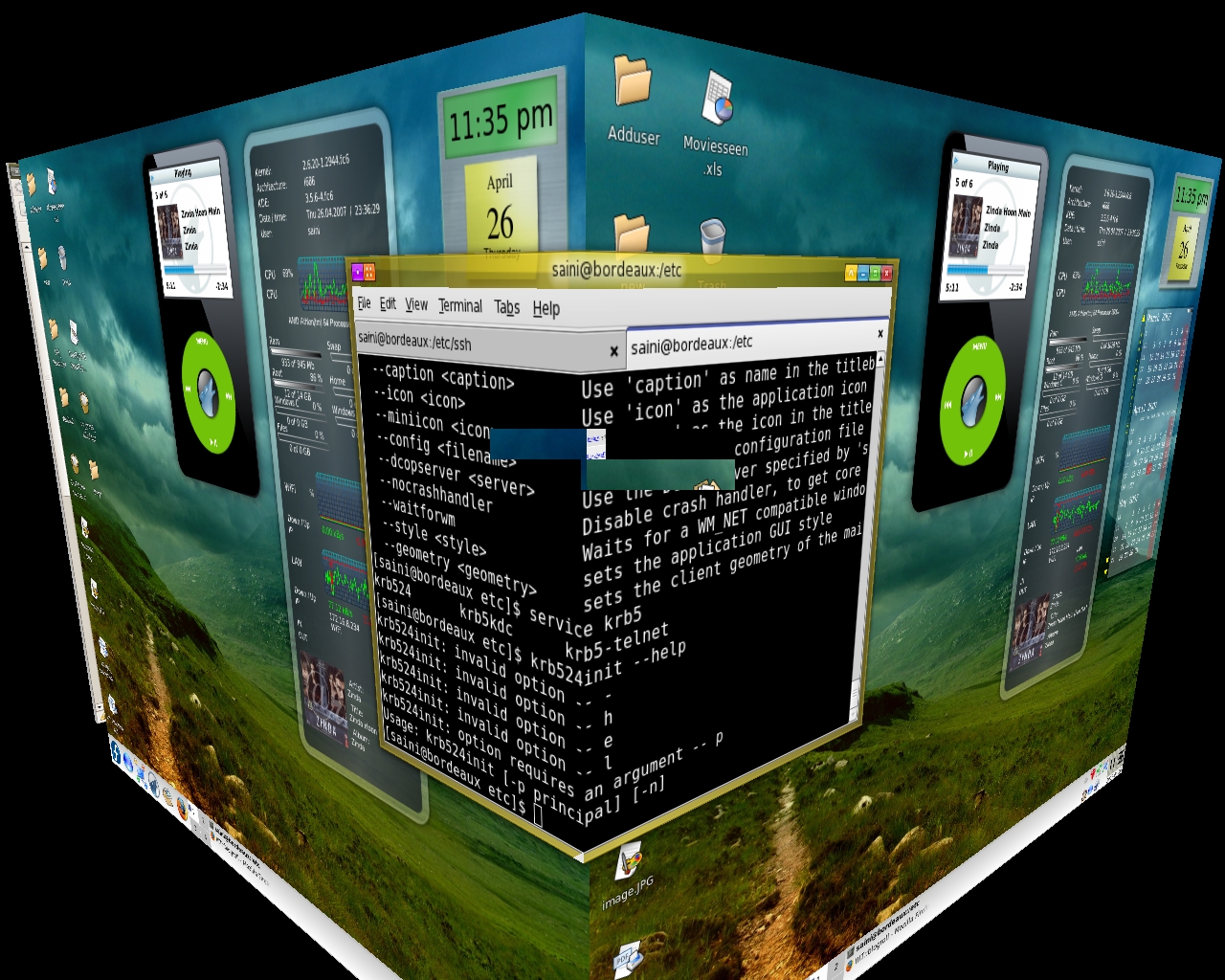
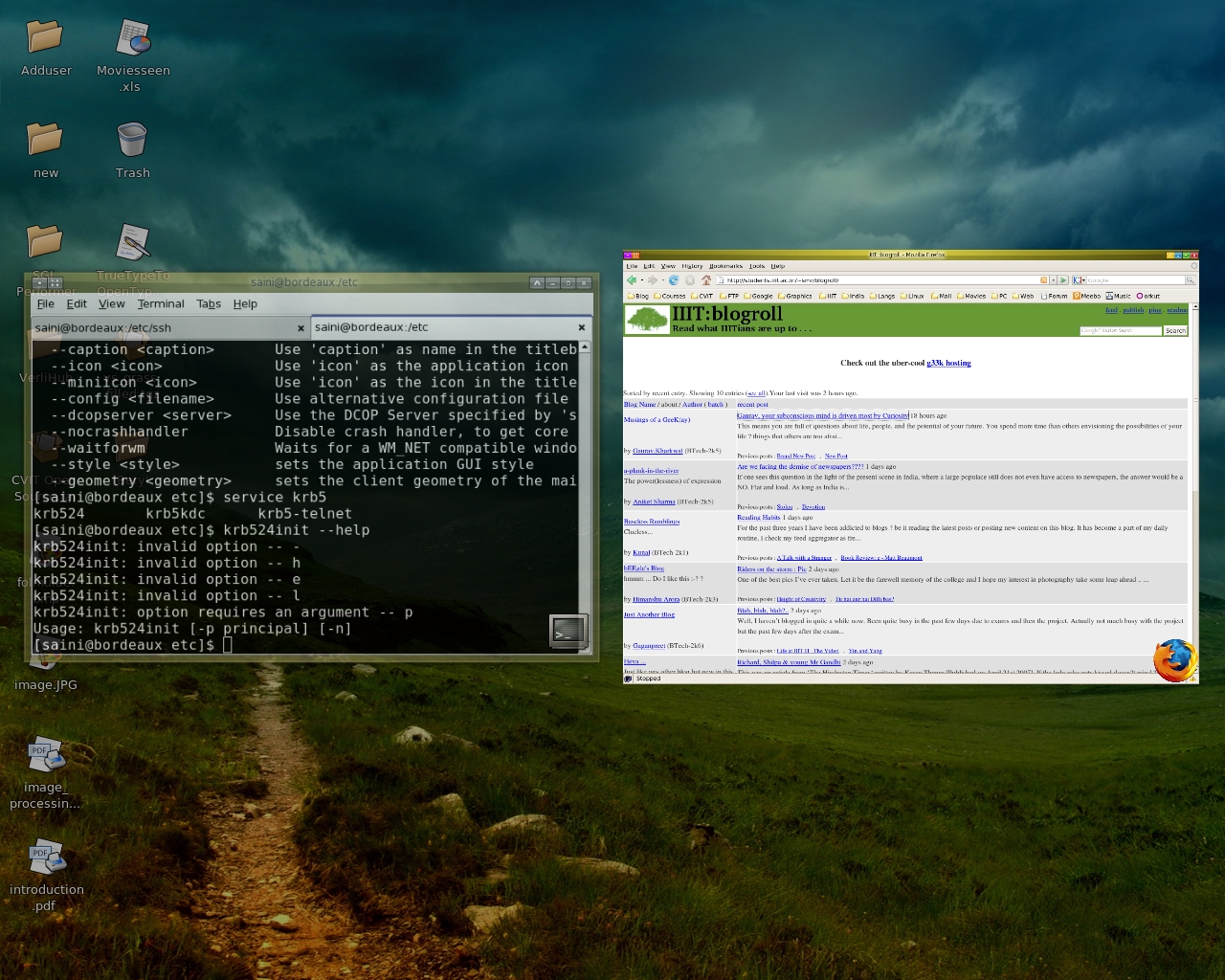
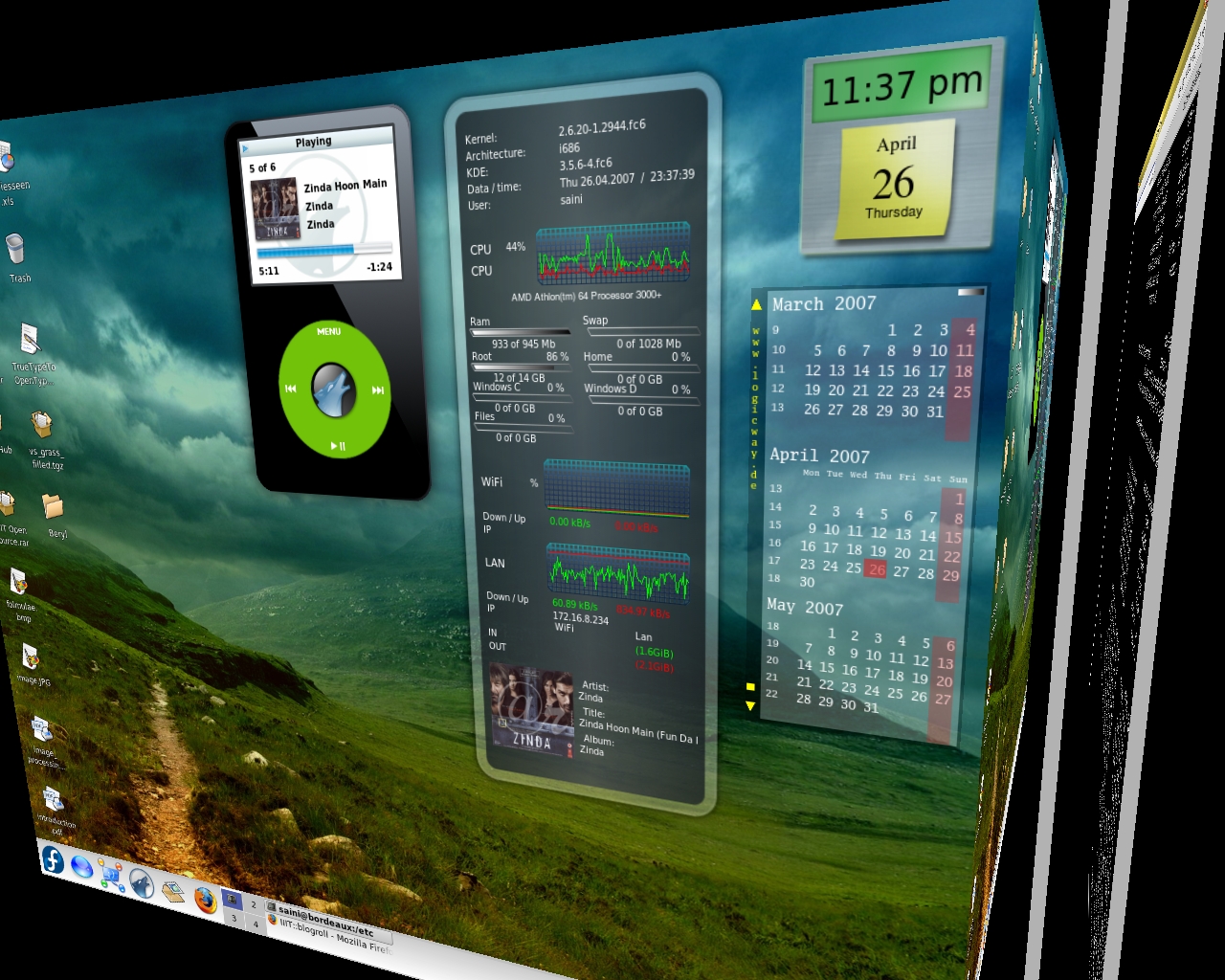
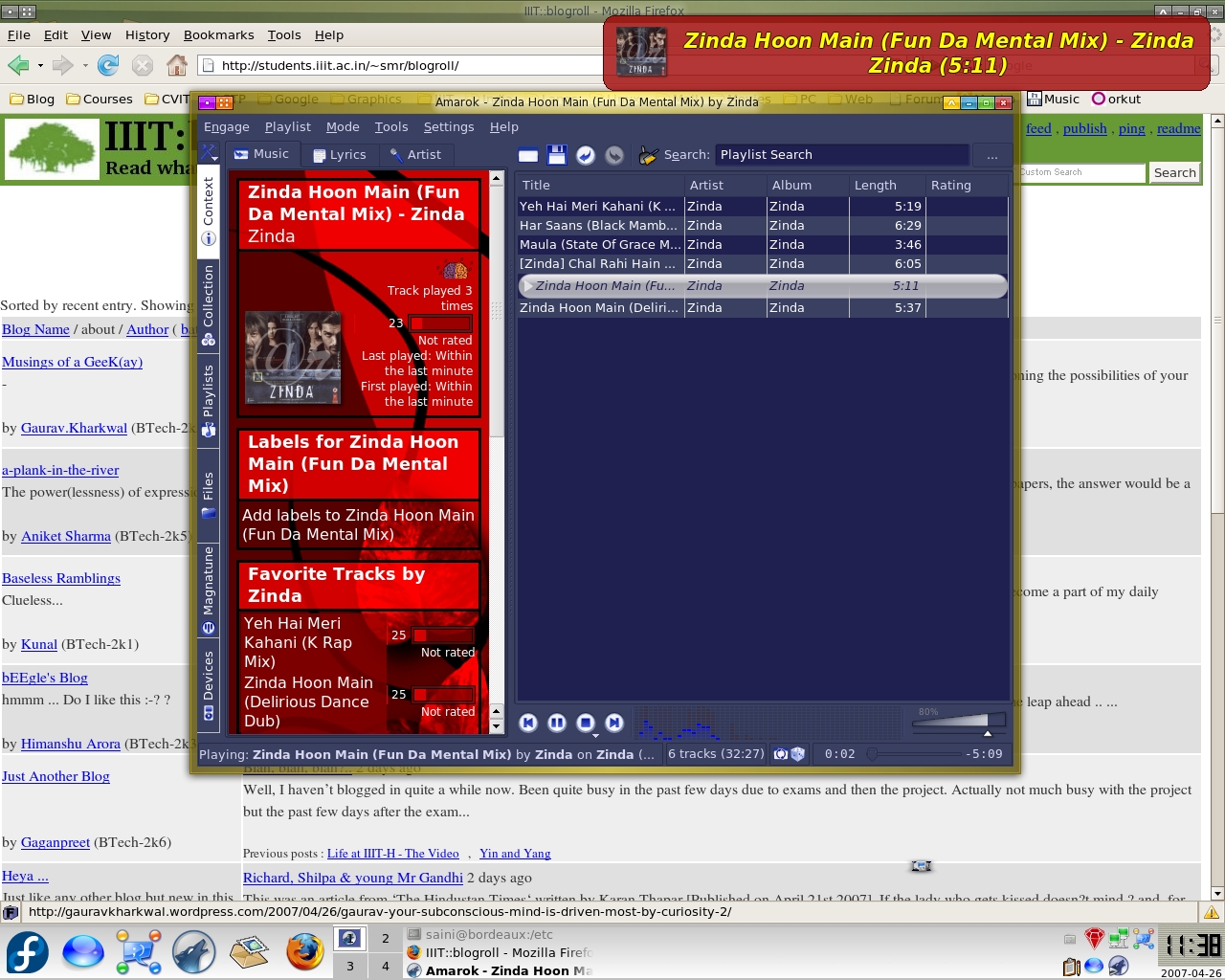
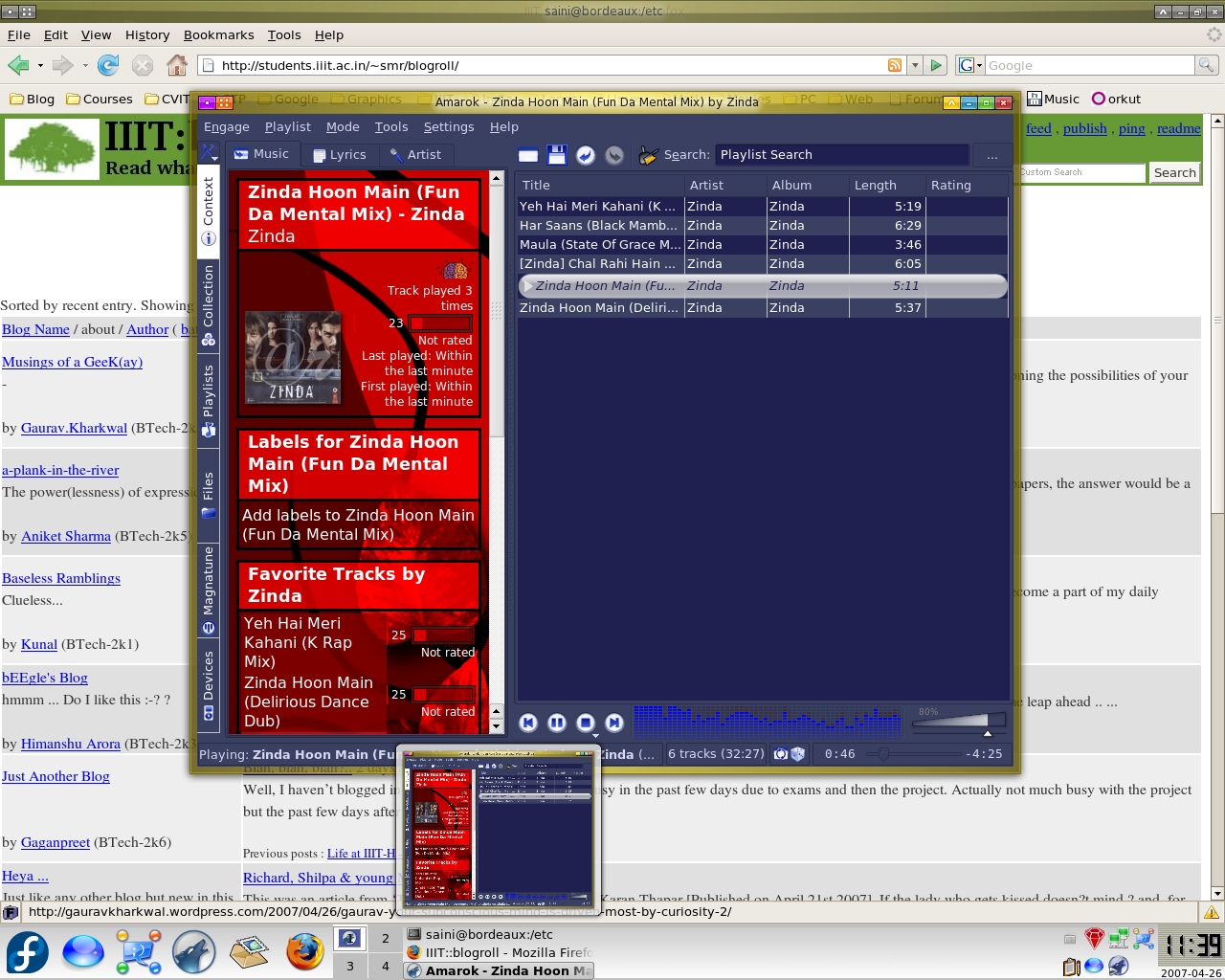
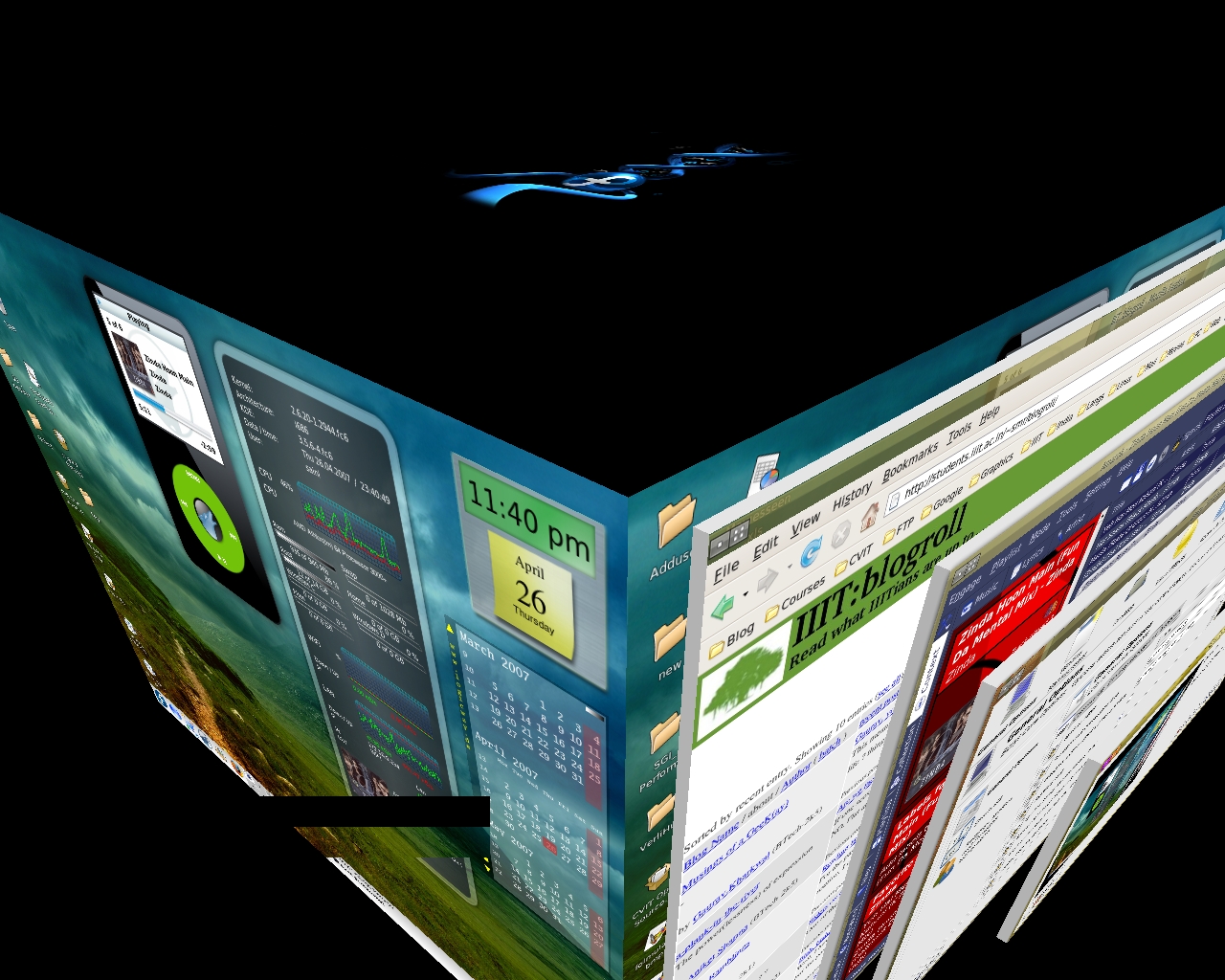
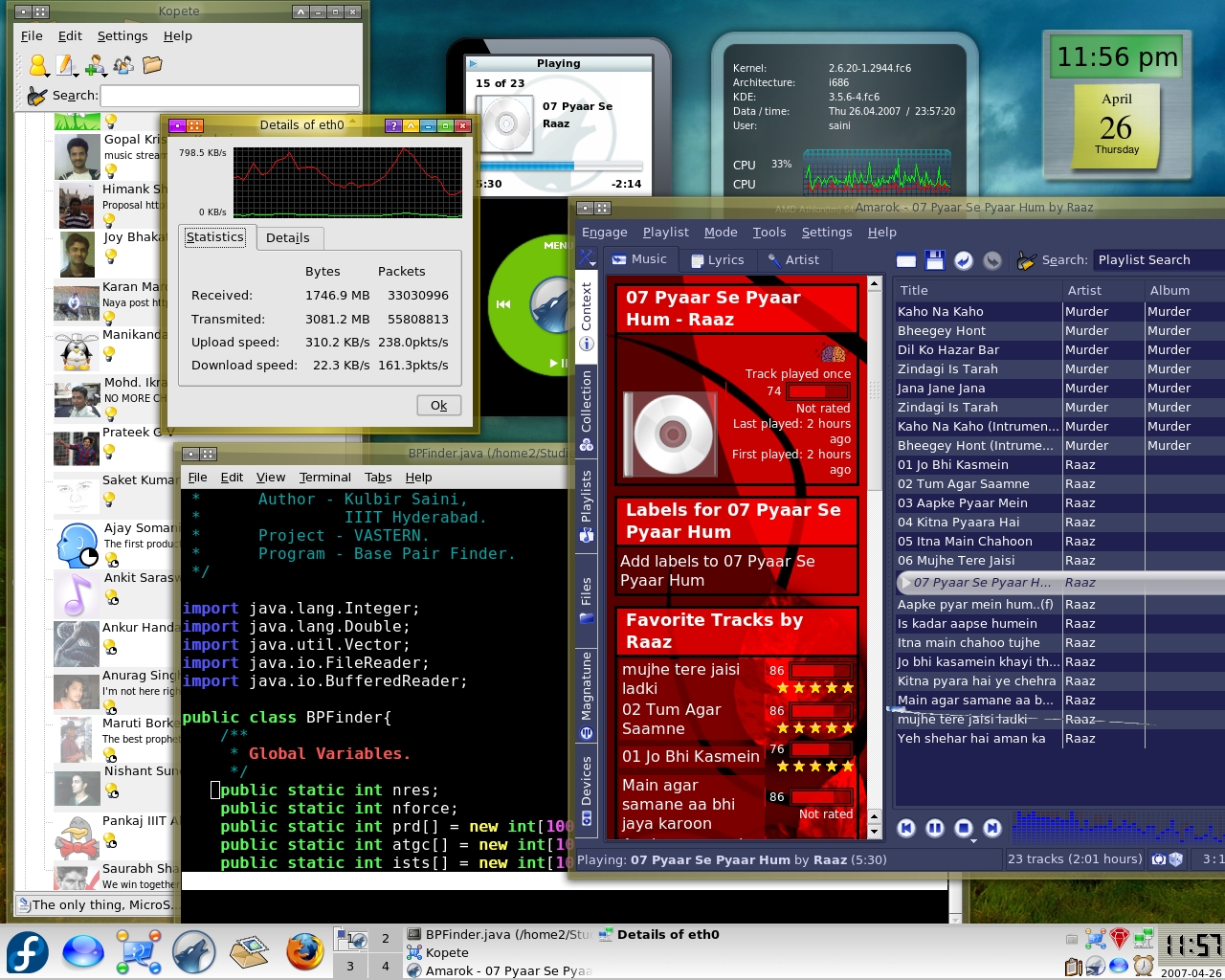
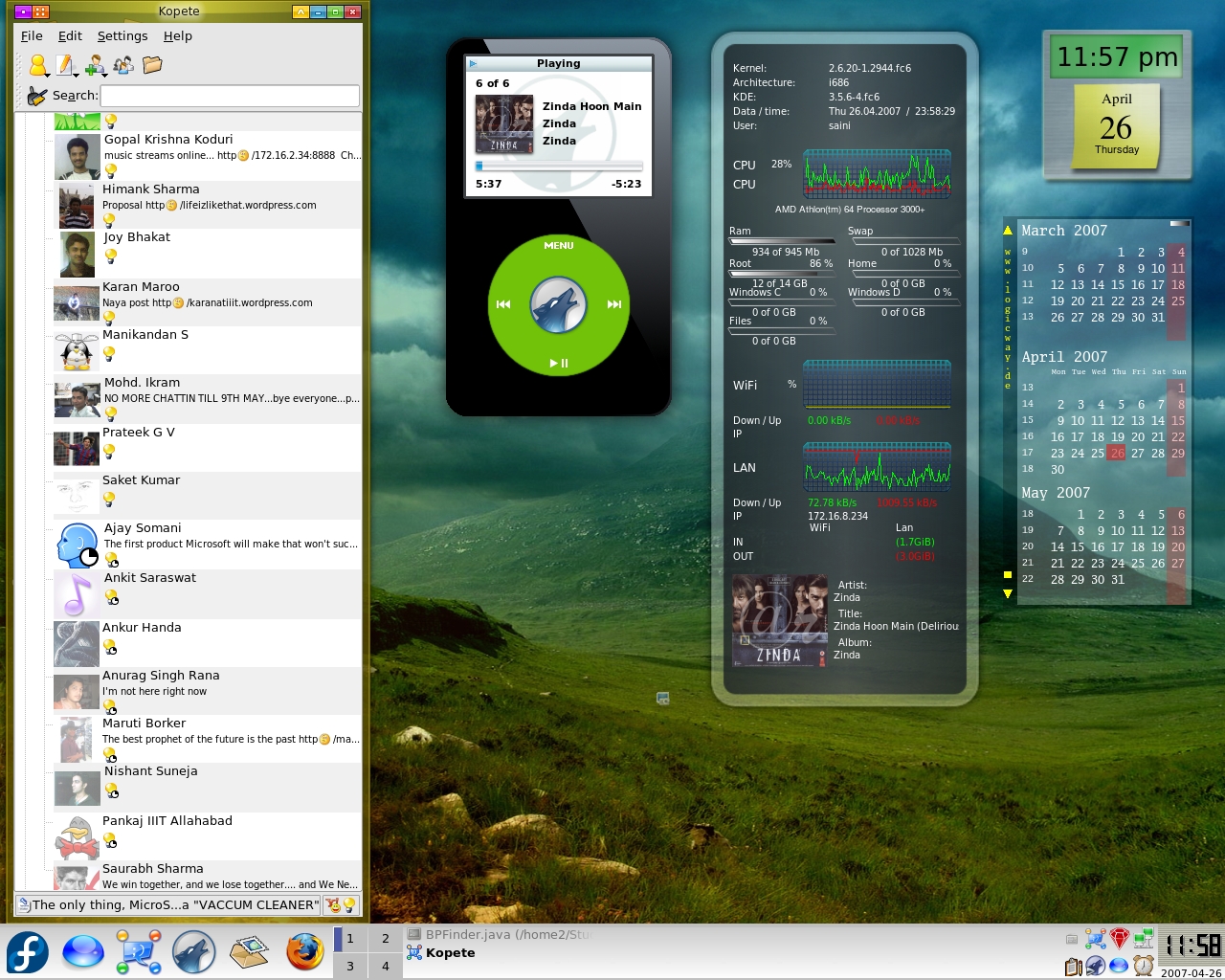
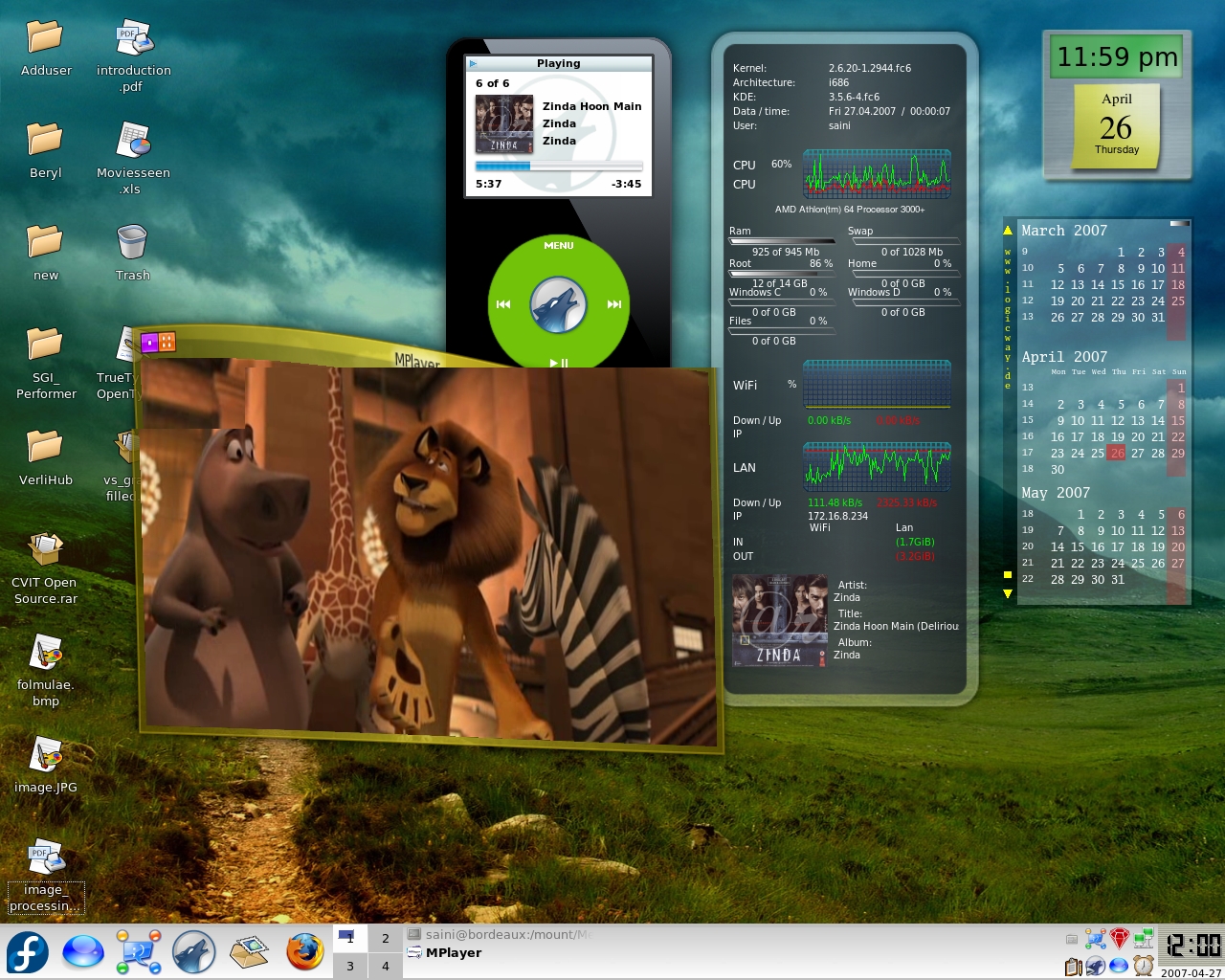
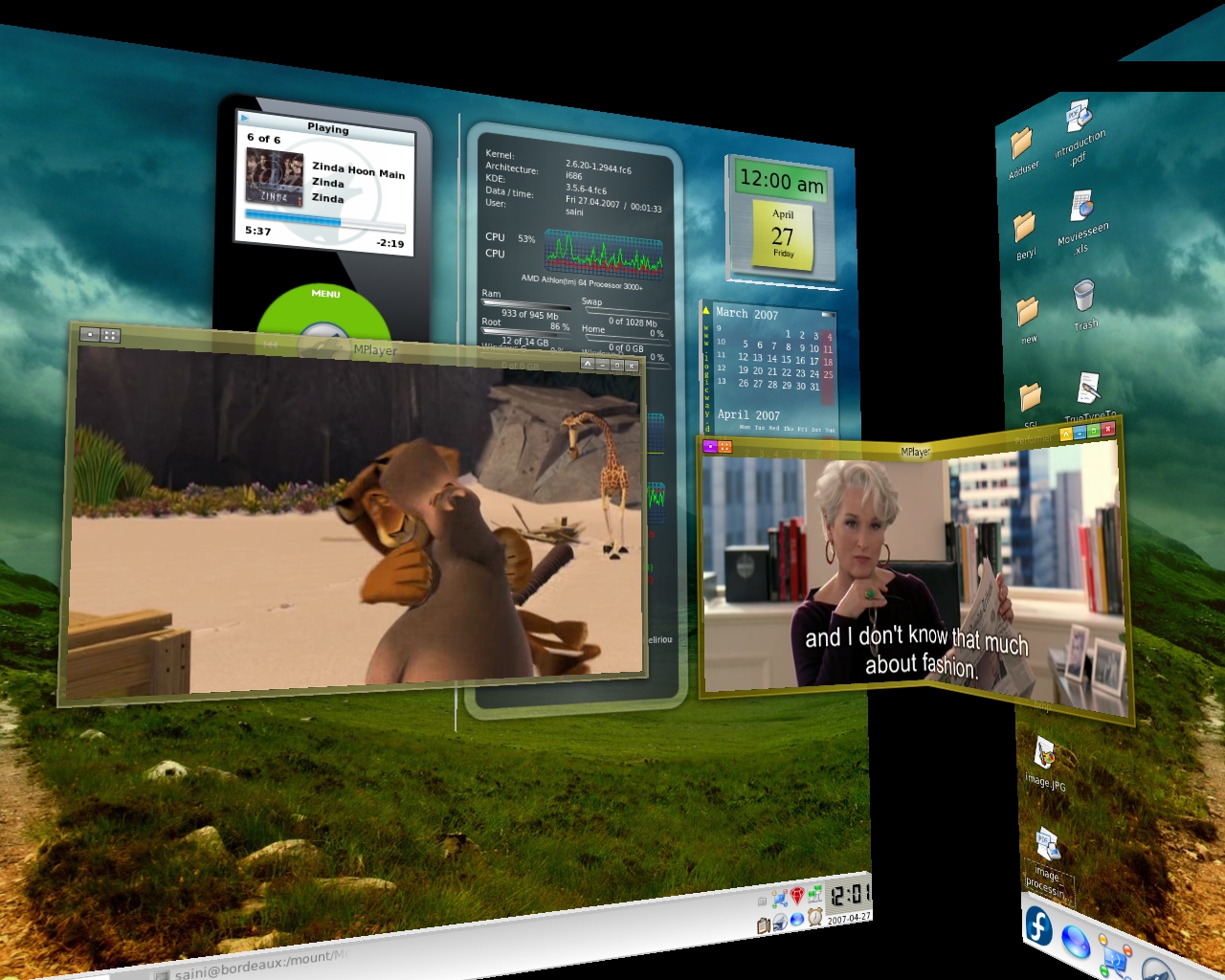

Looks like you filled all your 200 GB of harddisk space taking screen shots 😉 😛
hehe.. as Sashidhar pointed out (too) many screen shots!
good work dude!
My graphic card is Quadro NVS 110M/NVidia GeforceGo 7300
So is your configuration still applied?
I cannot enable desktop effect either… something to do with my graphic card as well… SO i cannot do any of these 3D :'(
@Natalie
I can’t directly say anything … try visiting the nvidia forums …
I got my desktop effects working finally!!!
How can u actually do all these things (from the screenshot) is there a manual or tutorial anywhere?
The only things i could do are screenshot 3 and 4…
Please help!!!!
could u provide us the links of beryl and emerald …
ofcourse with their dependencies…
@Prashant
$$$yum install beryl-* emerald-* will do that and of course with dependencies 😛